
Upload your image.
Drop in a JPG, PNG, or WebP, or paste it with Ctrl+V / ⌘V.
Transform your photos into dotted comic art, vintage newspaper prints, and bold halftone designs.
Or click to browse · Ctrl/Cmd + V to paste
JPG, PNG, WEBP · Up to 10 MB / 6 MP / 8,192 px per side · Paste with Ctrl+V / ⌘VYour photos stay on your device. Always.
 OriginalComic Book
Big color dots, straight from a 60s comic.
Accepted images keep their original dimensions (up to 6 MP / 8,192 px per side). Restore original restores your untouched original file. Transparent background exports PNG. Selecting JPG or WebP turns the paper back on; JPG uses white behind source transparency.
Free · No signup · No watermark · Stays in your browser
Drop in a JPG, PNG, or WebP, or paste it with Ctrl+V / ⌘V.
Comic Book, Newspaper, Pop Art, CMYK Print, or Photocopy.
Change the size, shape, angle, and colors until it looks right.
Save as PNG for crisp dots, or as JPG or WebP.
Pick Comic Book and your photo breaks into big, round color dots, the kind you see when you hold an old comic too close. Dark areas get fat dots that almost touch. Bright areas get tiny ones with lots of paper showing through. It works best on faces, pets, and anything with strong light and shadow.
Make Comic Dots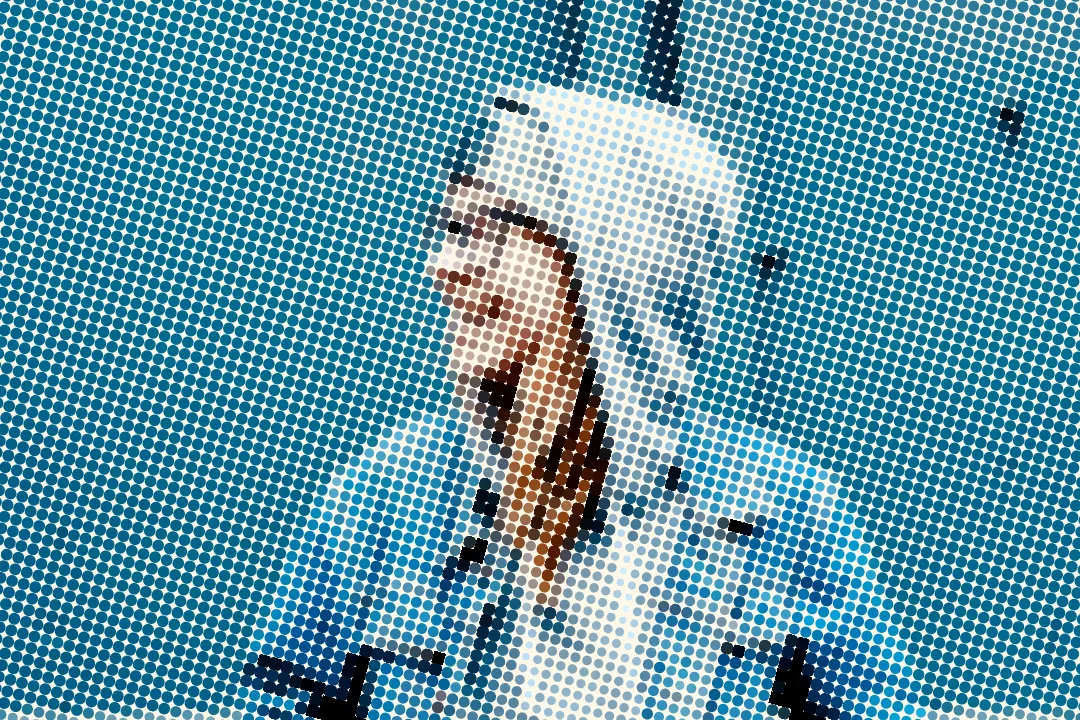
Newspaper turns your picture into fine black dots on slightly yellow paper, the way photos looked in a daily paper decades ago. Raise the contrast and it gets rougher. Lower the dot size and it gets cleaner. Pair it with a bold headline and you have a fake front page.
Try the Newspaper Look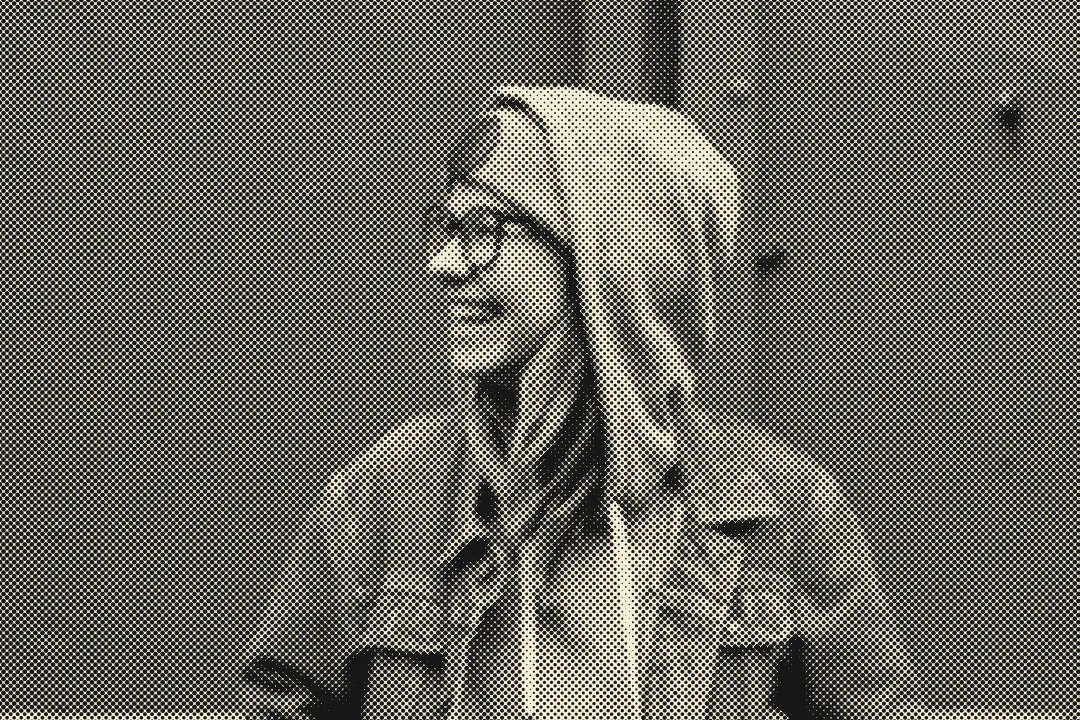
Pop Art swaps the photo's colors for a few loud, flat ones and lays big dots over the shadows. Pick the dot color and the paper color yourself, like hot pink on yellow or blue on red, and a plain selfie turns into something that belongs on a gallery wall or a band poster.
Make a Pop Art Poster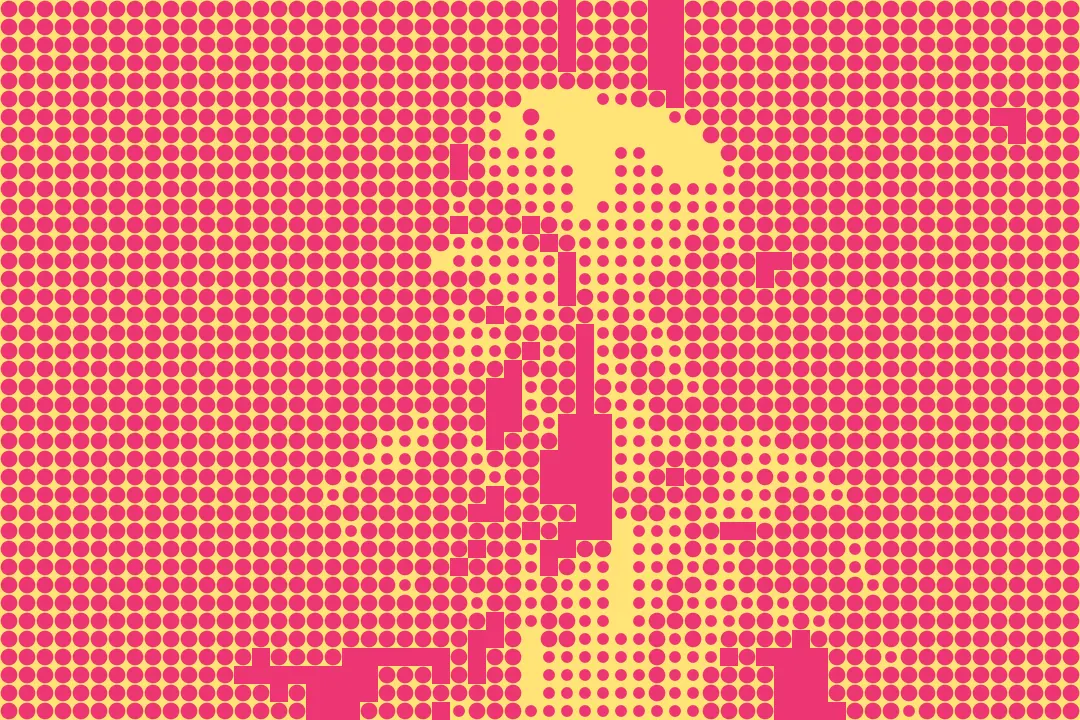
Real color printing uses four layers of dots: cyan, magenta, yellow, and black, each tilted at its own angle. CMYK Print rebuilds that on your photo, so up close you see the little rosette patterns of a printed magazine, and from far away the colors blend back into a full picture.
Try CMYK Print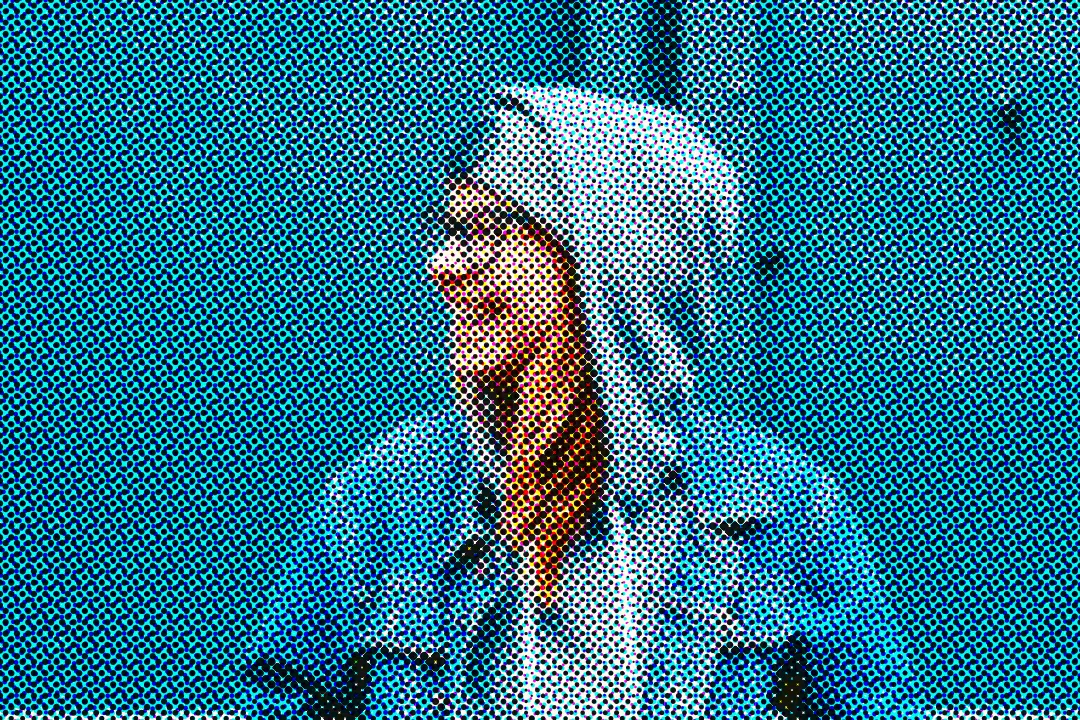
Halftone does not have to be round. Switch the shape to Lines for an engraved, banknote look, Squares for a pixel-print feel, or Diamonds for a sharp, graphic pattern. Move the Angle slider to tilt the whole pattern and give it more movement.
Change the Shape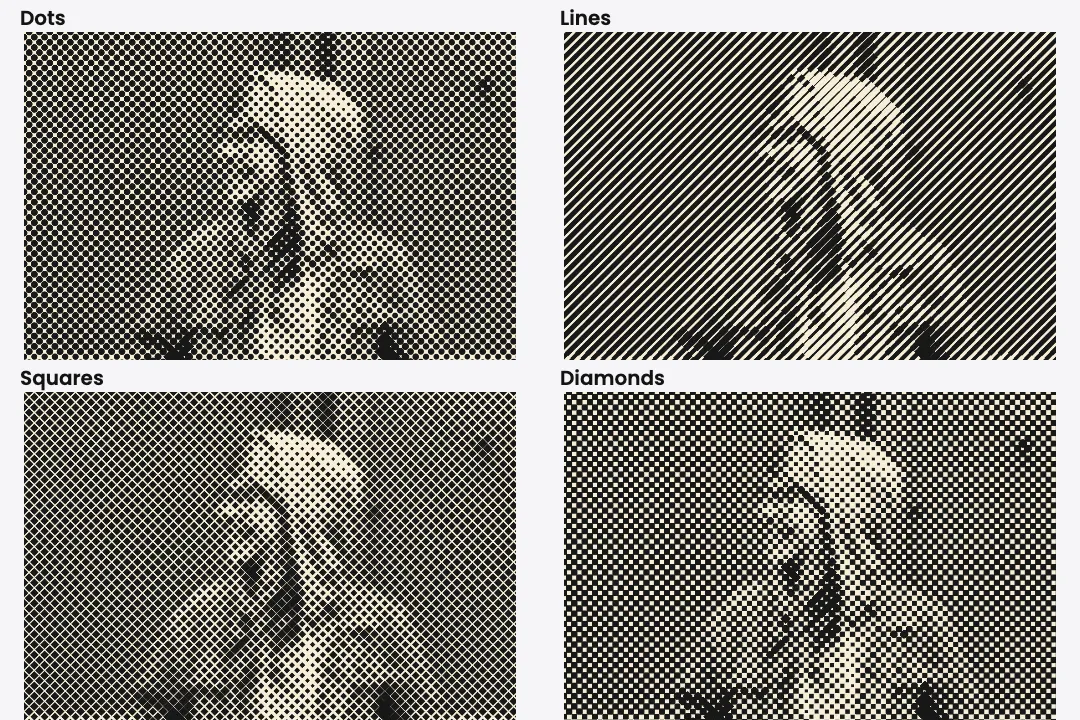
Turn on Transparent background and the paper disappears, leaving only the dots. Save as PNG and drop it straight onto a T-shirt design, a sticker, or a poster layout without cutting anything out by hand.
Try transparent dots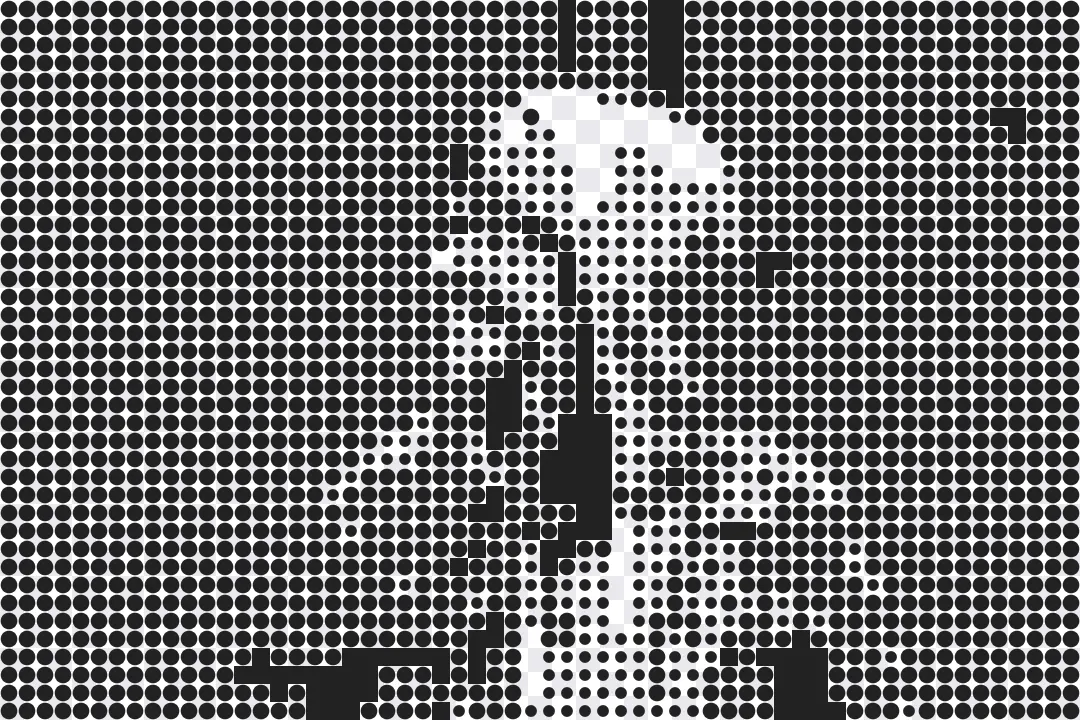
A halftone effect builds an image out of dots of different sizes instead of smooth color. Printers came up with it because a press can only put ink down or leave the paper blank. It cannot print a soft gray. Big dots packed close together read as dark, and small dots with space between them read as light. From a normal distance, your eye blends the dots into smooth tones. Newspapers, comics, and magazines have used halftones for more than a century, and today the look is a popular style for posters, T-shirts, and pop art.
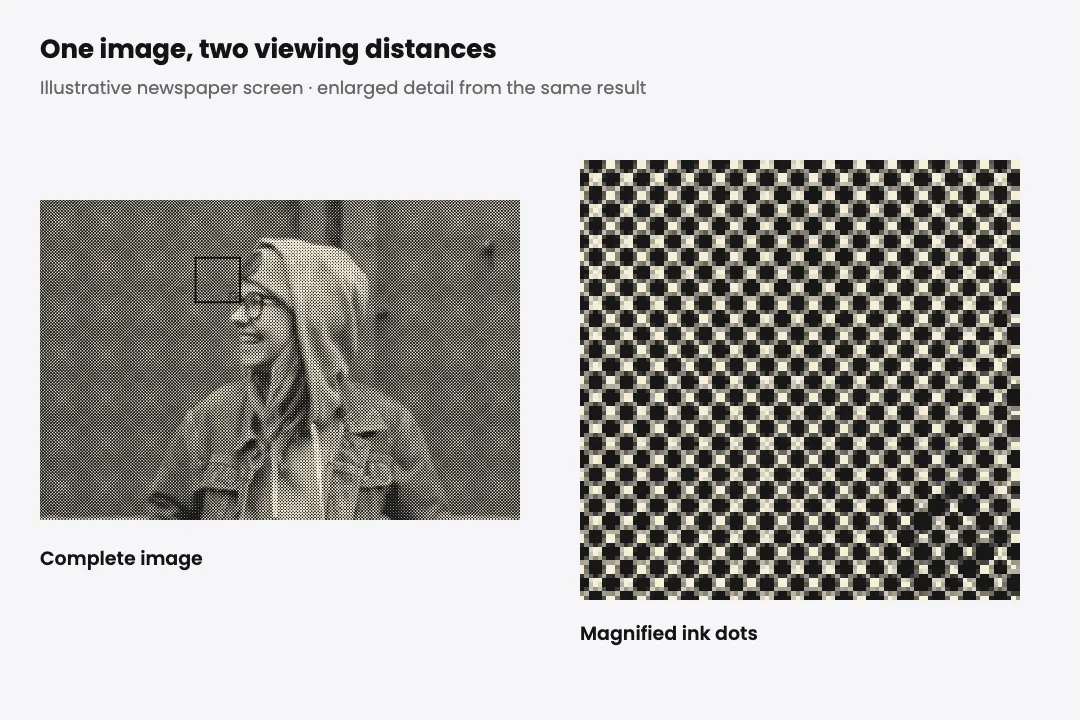
A halftone selfie with bold dots stands out in a feed and still looks like you.
Halftone shading prints well in one or two ink colors, which keeps screen printing simple and cheap.
Gig posters, zines, and party flyers get an instant printed feel with a newspaper or photocopy halftone.
A newspaper halftone photo under a dramatic headline makes the perfect fake front page for a joke.
Large, faint halftone patterns add depth to a plain background without stealing attention from the text.
Make as many dotty prints as you like, free.
Open the page and start printing. Nothing to sign up for.
Your halftone download is just your image, with no logo on top.
Every dot is drawn on your own device. Nothing gets uploaded.
Classic, comic, newspaper, pop art, CMYK, and photocopy, each tuned and ready.
Choose both colors yourself instead of being stuck with black on white.
For monochrome, convert to grayscale, then Image > Mode > Bitmap, and choose Halftone Screen. Set the frequency, angle, and shape. For a color effect, use Filter > Pixelate > Color Halftone. This tool provides editable screen patterns in your browser; the rendering is an approximation of print, not an ICC-managed press simulation.
Both fake smooth tones with only a few colors. Halftone uses dots of different sizes in a regular grid. Dithering uses dots of the same size scattered in different amounts, which gives a grainier, noisier look.
Small dots keep more detail and look like a newspaper. Big dots lose detail but look bold and graphic, like a comic or a poster. Check the result at 100% or larger so the pattern remains visible at its final display size.
Halftone can turn smooth shading into printable dots. Choose one ink, use dots large enough for your screen mesh, and export a transparent PNG. This is an antialiased raster image; confirm final dimensions, resolution, and separation requirements with your printer.
Yes. Turn on Transparent background and save as PNG. Only the dots stay visible.
You can upload JPG, PNG, and WebP, and download as JPG, PNG, or WebP.
Use the posterize image tool instead. It cuts a photo down to a few flat colors without any dot pattern.
Upload a photo, pick comic, newspaper, or pop art, and watch it turn into dots. No account, no watermark, no upload.
Add a Halftone EffectDot Size sets the scale of each mark. Spacing adds distance between grid cells without enlarging the dots; increasing it leaves more paper visible. Angle rotates the grid. Use Classic Halftone for a single foreground ink and background color, or CMYK Print for four simulated color screens.
Halftone represents tones with repeating dots or shapes. Posterize replaces smooth shading with solid color bands. Choose halftone for a newspaper or comic print texture, and posterize for clean blocks of color.

Combine small dimensions, JPEG compression, and noise in one edit.
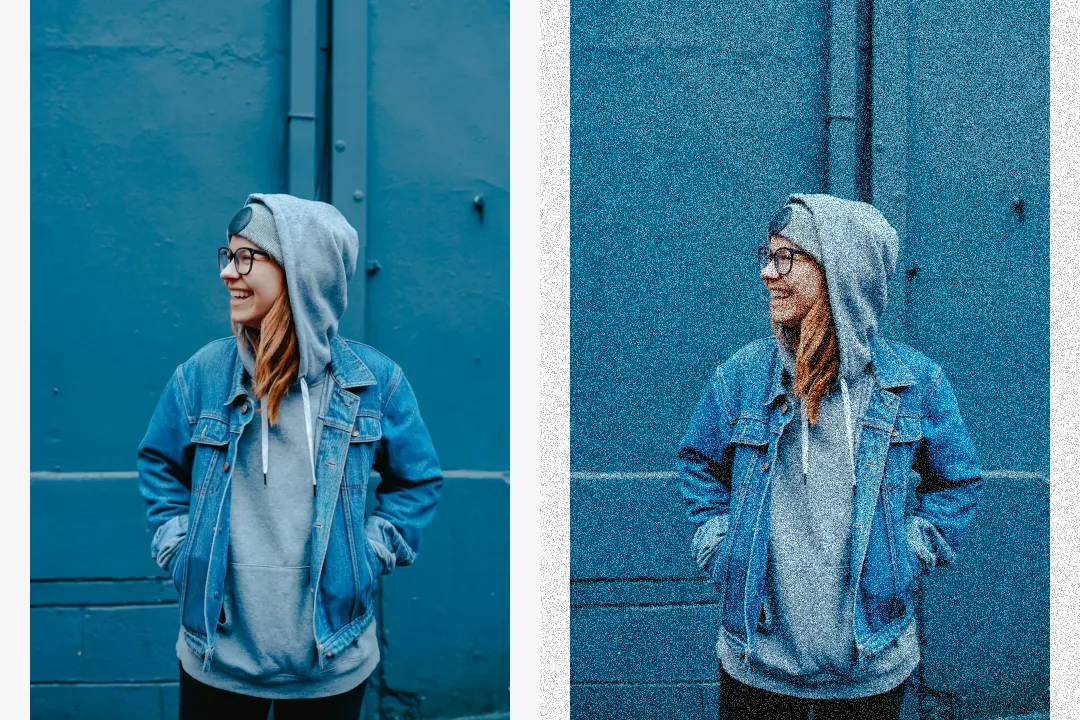
Control noise strength, grain size, and noise type.
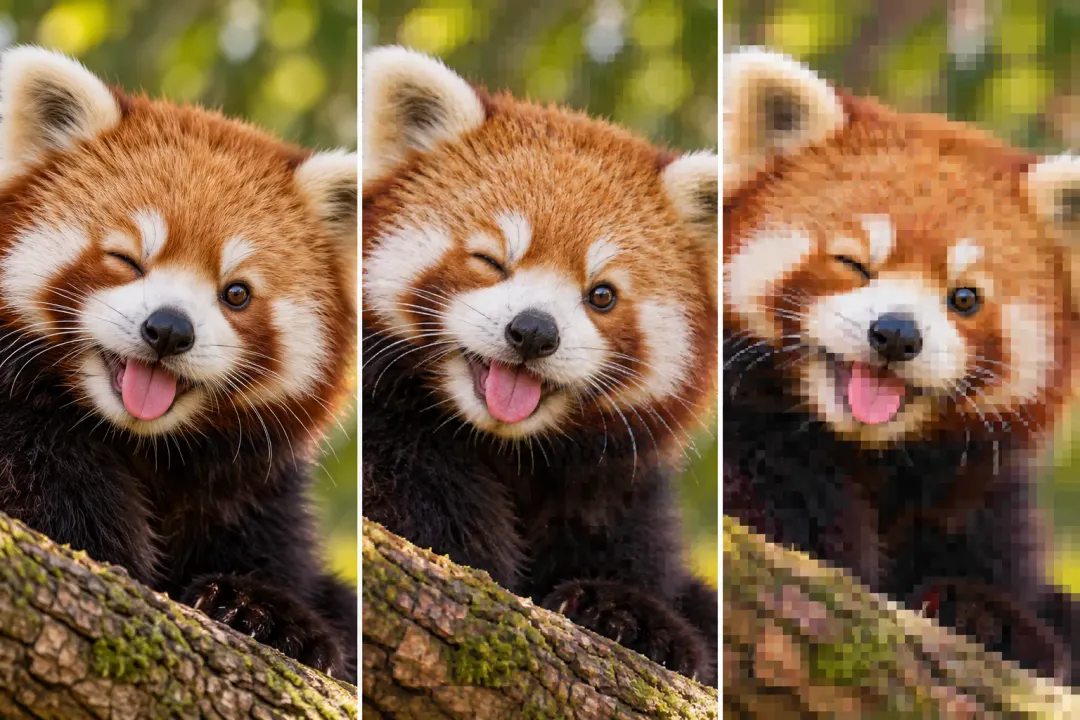
Add compression blocks, repeated saves, and color bleed.