
Upload a picture.
A reaction face, a cursed photo, a screenshot. Or paste it with Ctrl+V.
Crush a picture, slap a caption on it, and make it look like it has been reposted since 2014. Five damage presets, classic meme text, and one button to make it worse. Free, no signup, no watermark. Your picture stays in your browser.
Or click to browse · Ctrl/Cmd + V to paste
JPG, PNG, WEBP · Up to 10 MB · Paste with Ctrl+V / ⌘VYour photos stay on your device. Always.
Up to 120 characters per caption. Text wraps automatically; long captions use smaller type. Classic uses Impact when installed, with a bold fallback.
Editing uses a working copy up to 1600 px / 2 MP, plus any caption strip. No photo is cropped. Reposted 500x is a look made with several real JPEG passes, not 500 literal uploads. Make It Worse damages the current result, including visible words; editing settings or captions rebuilds from your photo. Restore original restores the untouched original file. PNG/WebP retain transparency; JPG uses white behind it.
Free · No signup · No watermark · Stays in your browser
A reaction face, a cursed photo, a screenshot. Or paste it with Ctrl+V.
Crusty, Potato Camera, Reposted 500x, Pixel Mush, or Slightly Off.
Top and bottom text, or a white bar on top. Keep it short.
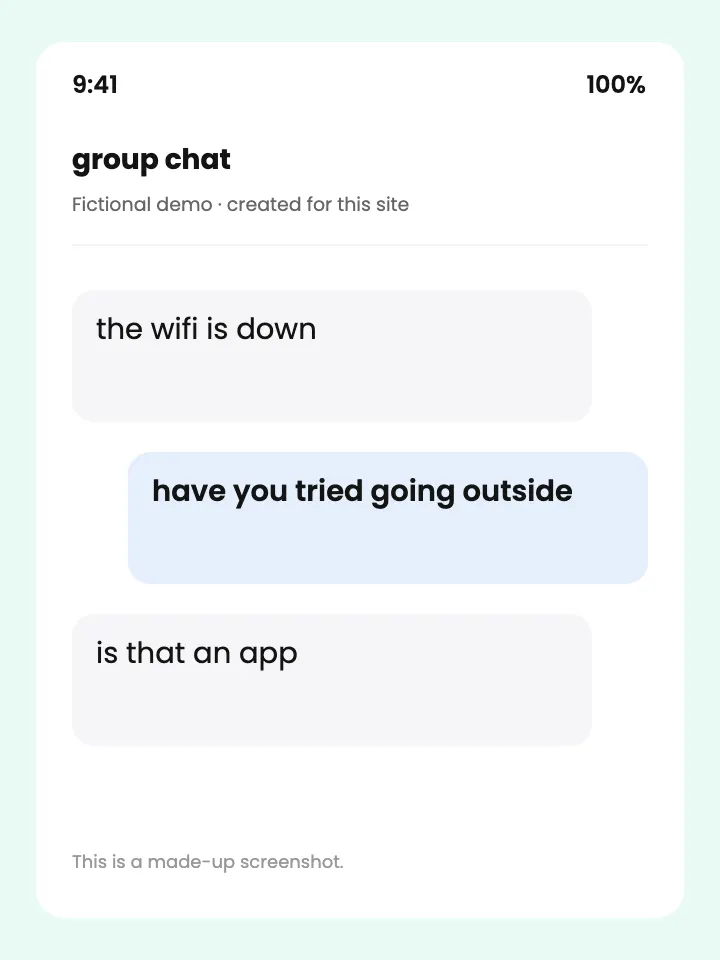
Save it, or copy it straight into the group chat.
A clean photo is just a photo. The same picture, crushed into crunchy blocks and smudged until the edges crawl, suddenly reads as a meme. Pick a damage preset and the tool runs your image through real JPEG compression, downscaling, and blur, so it looks like it was saved and re-uploaded a hundred times instead of filtered once.
Ruin My Picture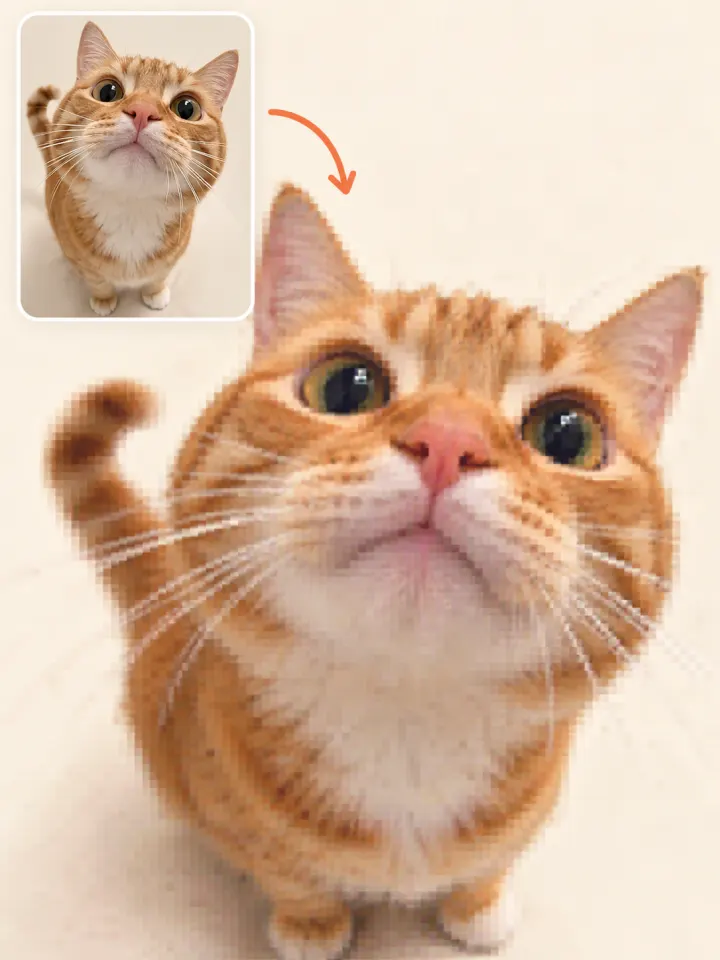
A crisp caption on a crusty image looks fake. Choose Top & Bottom for the classic white meme text with a black outline, or White Bar for the modern caption strip above the picture. Leave Crush the caption too switched on and the words pick up the same blur and blocks as the photo, so the whole thing looks like it was found, not made.
Add a Caption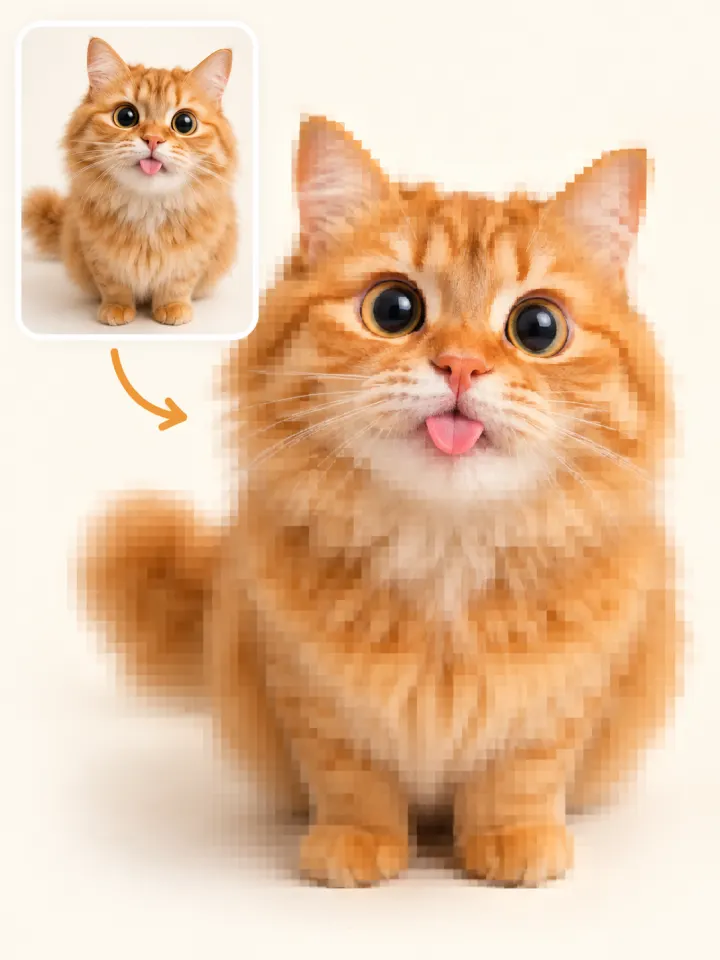
Real low quality memes get worse with every share. The Reposted 500x preset copies that trip: it resizes, compresses, and repeats without cropping your picture, using several real JPEG passes until the colors drift and the edges fill with noise. Tap Make It Worse to compress the current result again, entirely in your browser.
Try the Reposted Look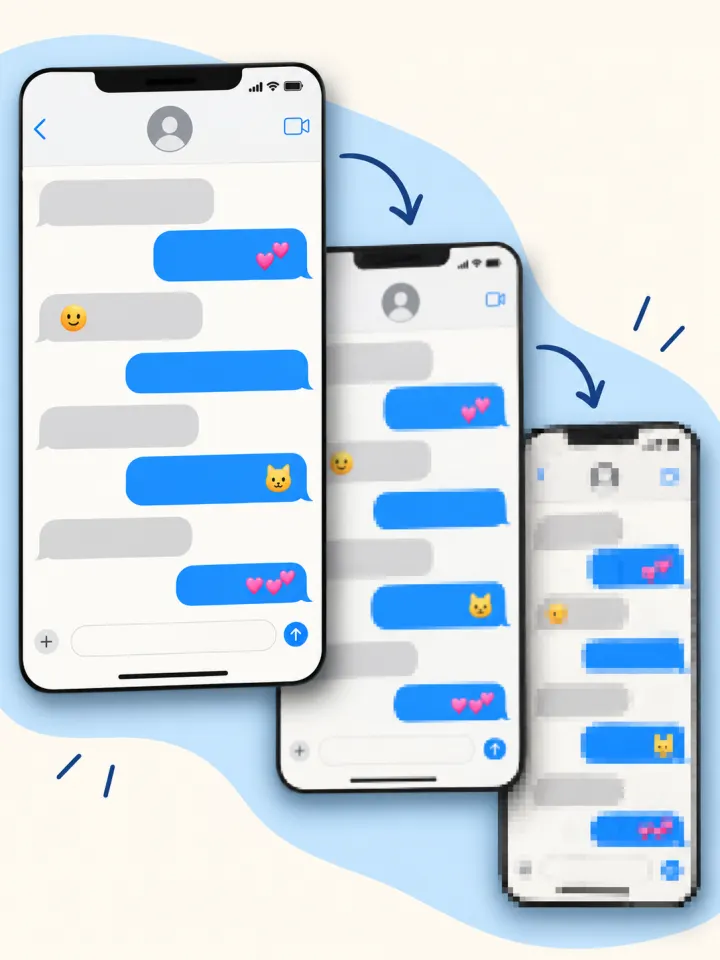
Some of the best reaction memes look like they were taken with a potato, and the internet even has a name for it: potato quality. Potato Camera shrinks your photo down, blows it back up, and adds grain and a soft smear, so a sharp selfie becomes the blurry, slightly shaky shot every group chat needs.
Go Potato Quality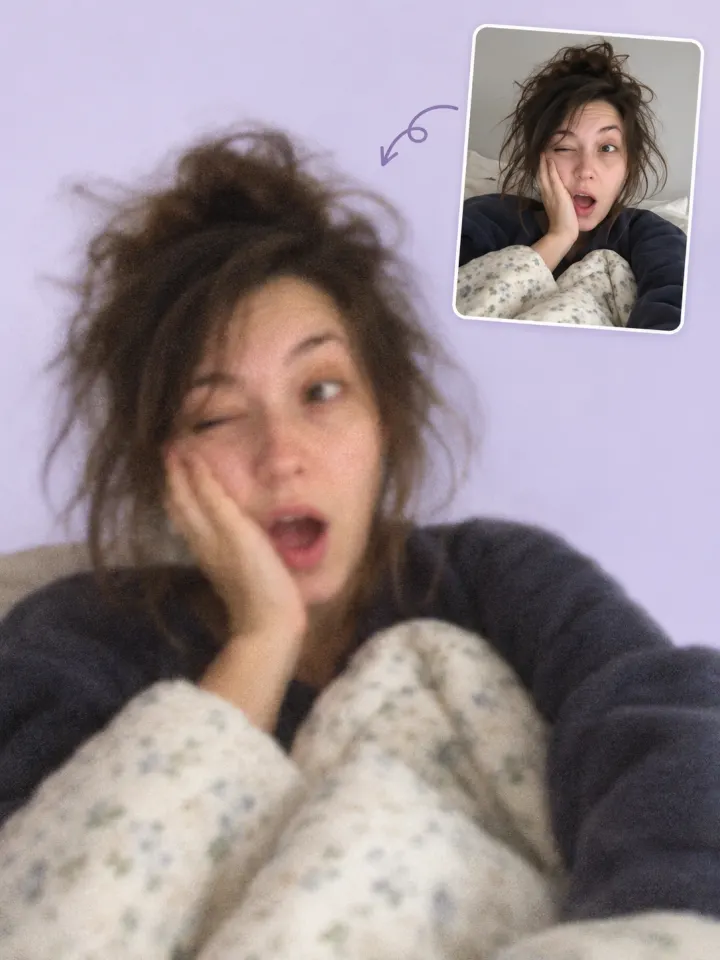
Six illustrated comparisons for inspiration. Try this preset applies the suggested damage and caption settings to your own picture. These supplied illustrations are not exact tool outputs.
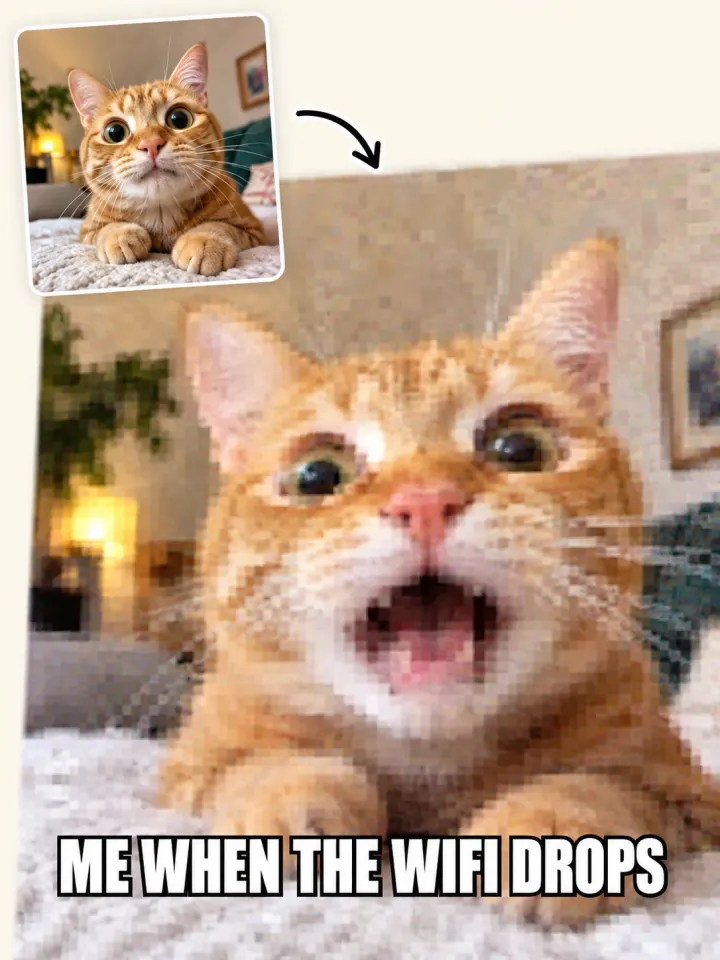
A cat, crunchy blocks, and “me when the wifi drops”.
A sleepy selfie with a soft, grainy potato camera look.
A chat screen losing detail with every illustrated repost.
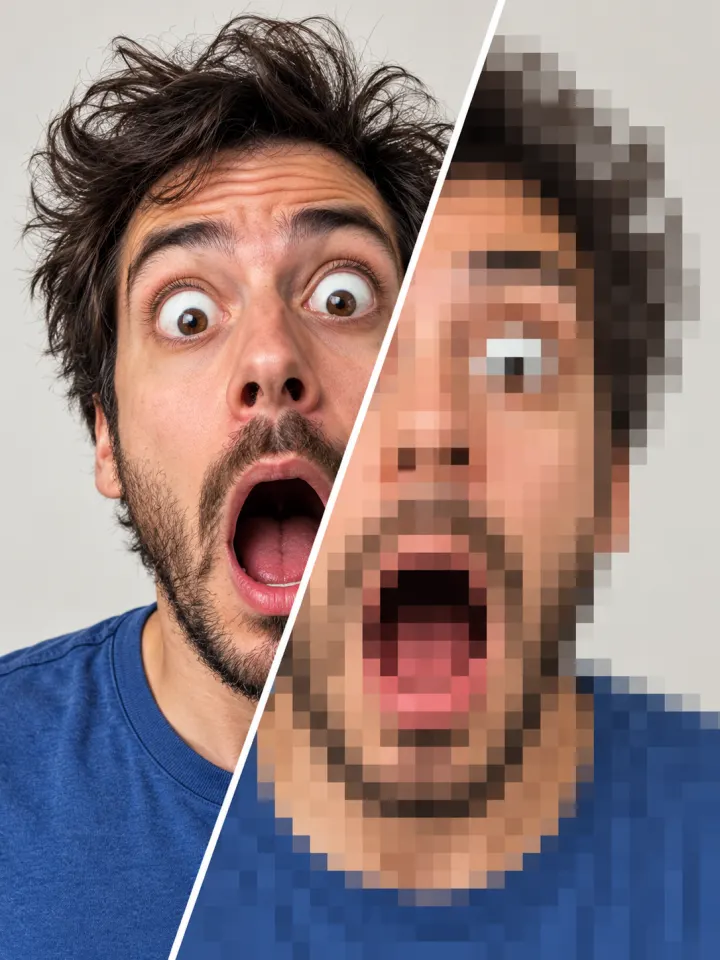
A shocked face turned into big blocks, still unmistakably shocked.
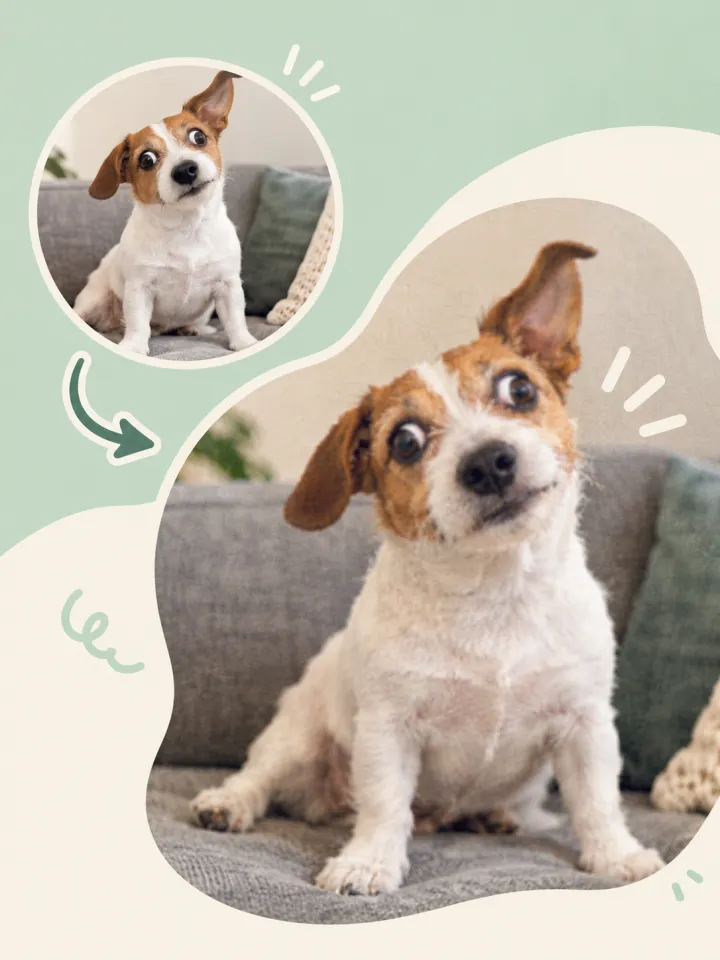
A curious dog with just a little blur and grain.
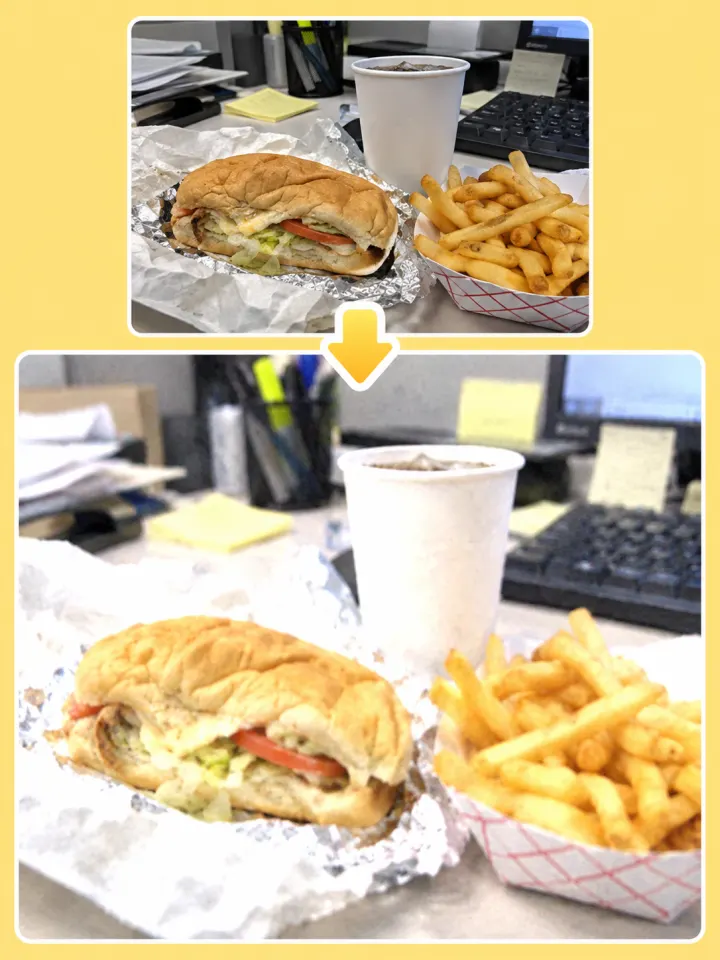
A desk lunch with a washed-out, overexposed look.
A blurry, crusty image signals that a meme has been passed around for years, screenshotted from one app to the next, and saved by people who did not care about quality. That history is part of the joke. Low quality memes also feel more honest and less like an ad, which is why brands and creators post them on purpose. The worse the image, the more it feels like an inside joke everyone is already in on.
Make as many crusty memes as you want, free.
Open the page and start making memes. Nothing to sign up for.
The only thing ruining your meme is the damage you chose.
Every block and blur happens on your own device. Nothing gets uploaded.
Your meme text picks up the same blur, so nothing looks too clean.
Make It Worse runs your current result through the damage locally again.
A low quality meme is a meme image that looks blurry, blocky, or over-compressed on purpose, as if it has been screenshotted and reposted many times. The bad quality is part of the humor.
Classic top and bottom meme text uses Impact, white with a black outline. The newer caption style puts black text on a white bar above the picture. Both caption styles are built in; classic uses Impact where installed and a bold fallback otherwise.
Use a short caption, pick Slightly Off or Crusty, and keep the How bad? slider below the middle. You can also turn off Crush the caption too to keep the words sharp.
A low quality meme is blurry, blocky, and washed out, like it has been reposted too many times. A deep fried meme goes the other way, with blown-out color, glowing eyes, and lens flares. For that louder look, use the deep fry image tool.
Yes. Upload, add a caption, and download all work in a mobile browser, and clipboard copy is available where your browser allows it. Use Download if clipboard access is unavailable.
You can upload JPG, PNG, and WebP, and download as JPG, PNG, or WebP.
Grab a picture, make it worse, and caption it. No account, no watermark, no upload.
Make a Low Quality Meme
Combine small dimensions, JPEG compression, and noise in one edit.
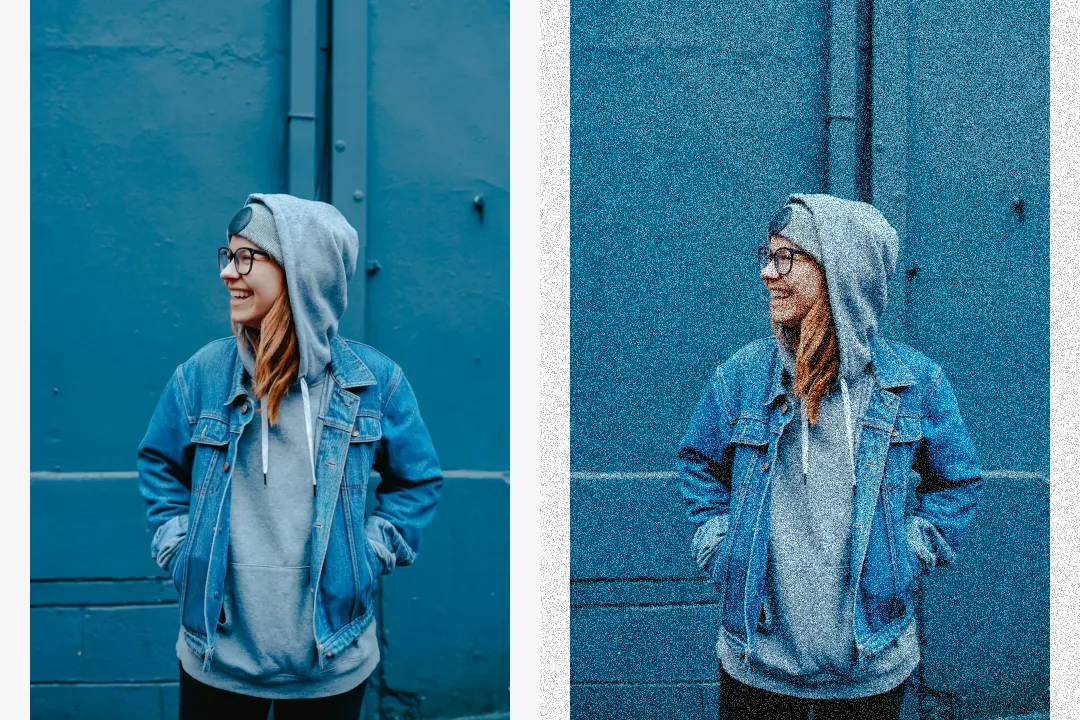
Control noise strength, grain size, and noise type.
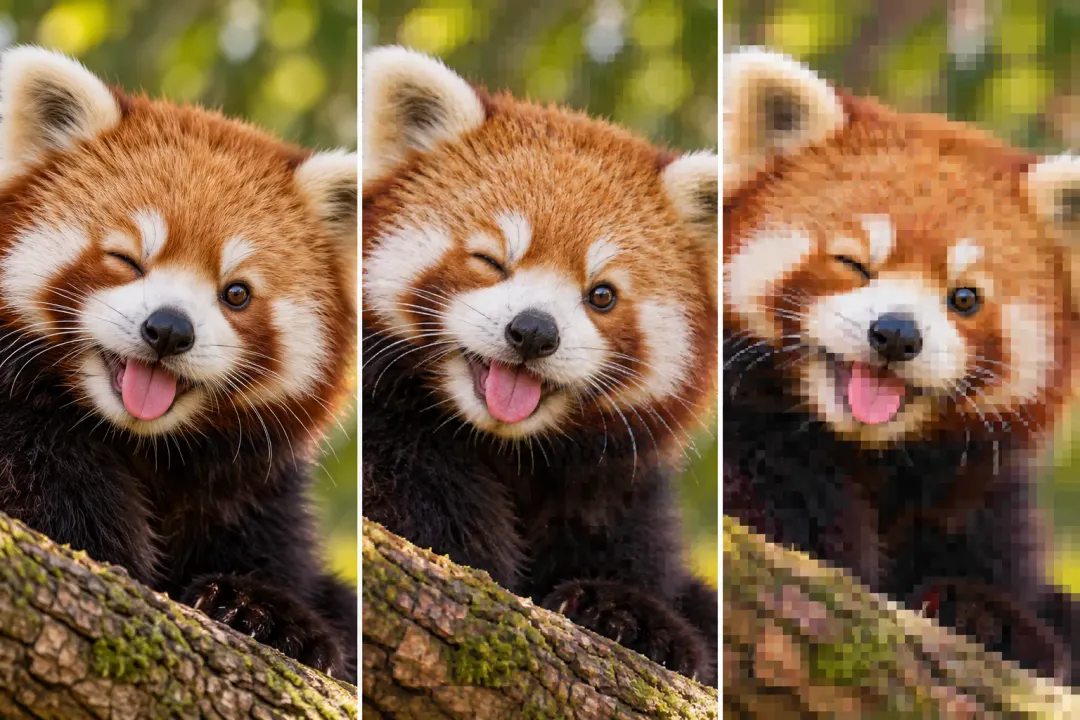
Add compression blocks, repeated saves, and color bleed.