
Upload your photo.
Drop in a JPG, PNG, or WebP, or paste it with Ctrl+V / ⌘V.
Upload a photo, then choose soft focus, motion streaks, radial zoom or spin, or a blurry meme. Adjust the effect and download your image. This tool blurs the whole photo; to blur one marked area, use Censor Image.
Or click to browse · Ctrl/Cmd + V to paste
JPG, PNG, WEBP · Up to 10 MB · Paste with Ctrl+V / ⌘VYour photos stay on your device. Always.
 BeforeSoft Blur
Smooth, even blur over everything.
Large images use a working copy up to 1600 px / 2 MP. Restore original restores your untouched original file. PNG and WebP support transparency; JPG uses white behind it.
Free · No signup · No watermark · Stays in your browser
Drop in a JPG, PNG, or WebP, or paste it with Ctrl+V / ⌘V.
Soft, Out of Focus, Motion, Radial, or Blurry Meme.
Drag the slider. For Motion and Radial, set the angle or the center too.
Save as JPG, PNG, or WebP, or copy it into a chat.
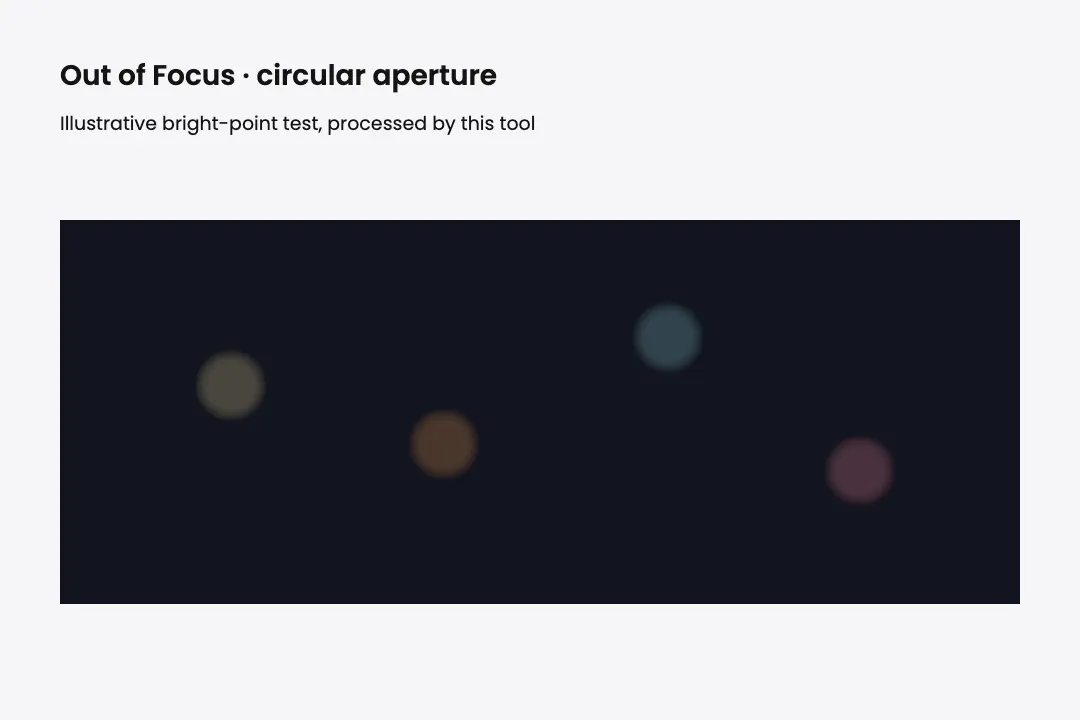
Soft Blur spreads an even haze over the whole picture, the classic way to make an image blurry. Out of Focus goes a step further and approximates lens defocus with a circular blur: edges melt, and small bright lights swell into round, glowing circles. Keep it light for a dreamy look, or push it until only colors and shapes are left.
Add a Soft Blur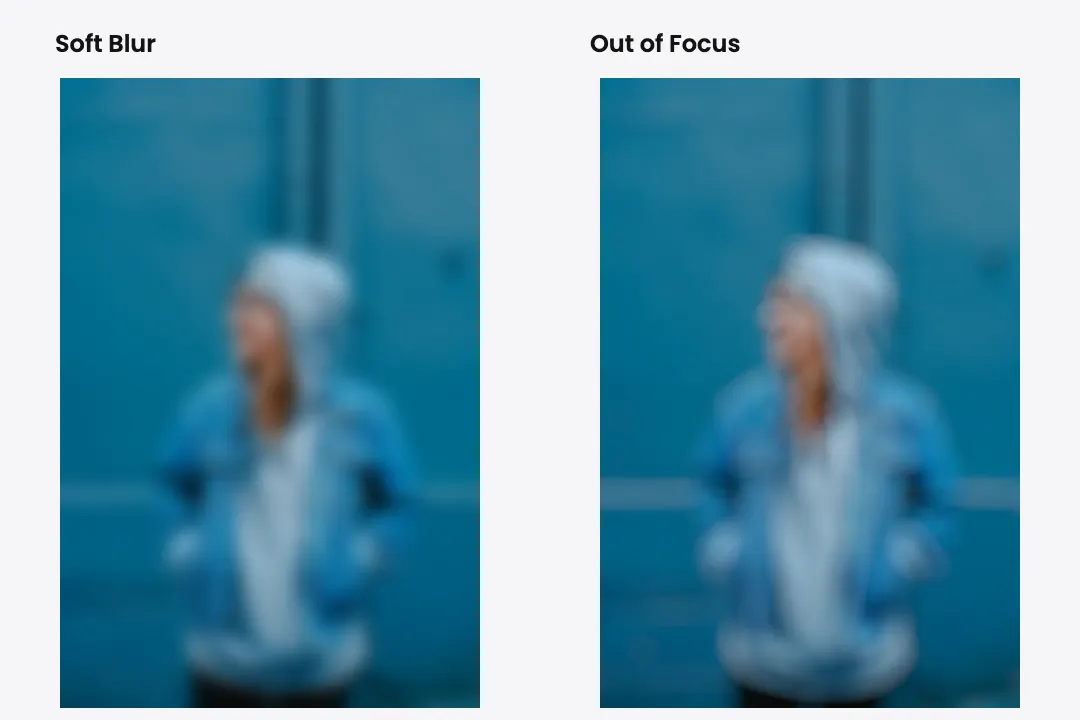
Motion Blur smears the picture in one direction, as if the camera or the subject was moving fast. Spin the Angle dial to choose the direction: sideways for a car racing past, down for rain or a fall, diagonal for a sports shot full of energy. Raise Strength and the streaks grow longer.
Add Motion Blur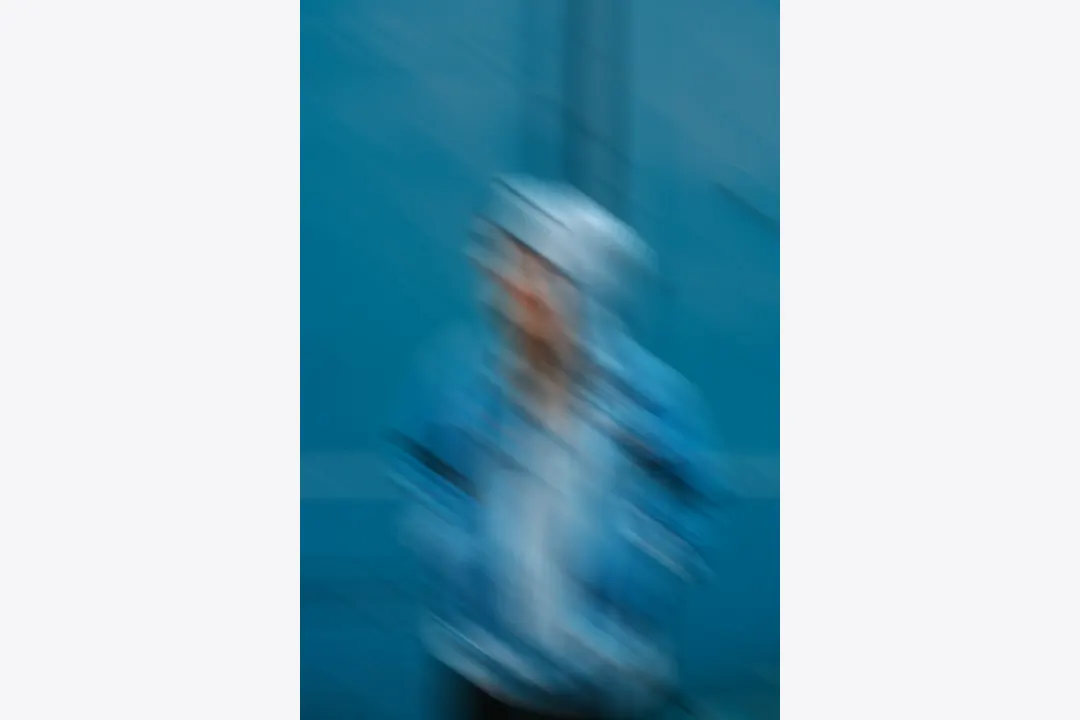
Radial Blur pulls everything toward one point. In Zoom mode, the edges streak outward like you are rushing into the photo at high speed. In Spin mode, the picture whirls around the center like a camera on a merry-go-round. Drag the center point onto a face or an object: a small area at that point stays sharp while the rest of the picture flies around it.
Try Radial Blur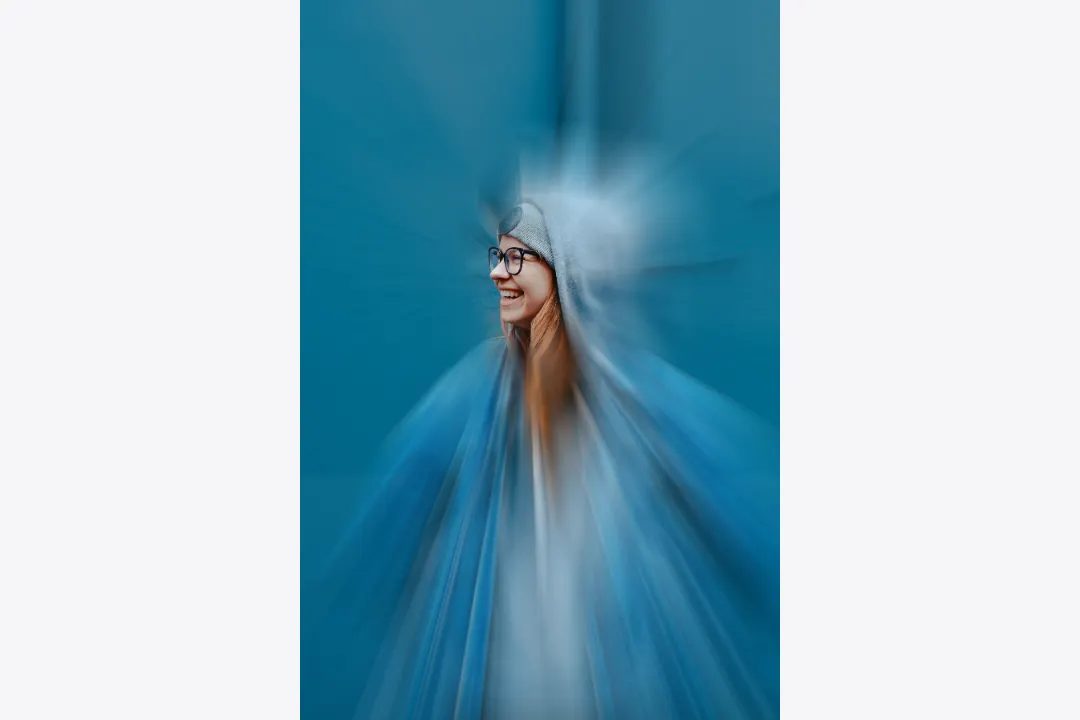
The best blurry memes look like the photo was snapped by someone running, laughing, or falling over. Blurry Meme mixes a little shake, a little low resolution, and a little smear, so a clean picture suddenly feels like a real, chaotic moment. It is the fastest way to make a blurry picture for a reaction image.
Make a Blurry Meme
A blurry photo of a cat mid-jump or a friend mid-laugh says more than a sharp one. The blur is the joke.
Add directional streaks across a car or sports photo for a sense of speed. This effect blurs the whole picture; it does not isolate the background.
Put the radial center over a character’s face to keep a small central area clear while the surrounding picture streaks outward.
Out of Focus turns city lights, candles, and fairy lights into soft glowing circles for a calm, cozy mood.
A heavily blurred photo keeps its colors but loses the detail, so text placed on top stays easy to read.
Blur as many photos as you like, free.
Open the page and start blurring. Nothing to sign up for.
Your blurred image downloads clean, with no logo on top.
The blur happens on your own device. Nothing gets uploaded.
Soft, out of focus, motion, radial, and meme, without switching tools.
Drag the radial center and spin the motion angle until the blur goes exactly where you want.
Motion blur streaks the image in one straight direction, like something moving past the camera. Radial blur streaks it around a center point, either outward like a zoom or in a circle like a spin.
Go to Filter, then Blur, then Radial Blur, choose Spin or Zoom, set the amount, and drag the blur center in the preview box. This page gives you Spin and Zoom controls in a browser, with no install.
Go to Filter, then Blur, then Motion Blur, and set the angle and distance. Here, the Angle dial and Strength slider control the direction and length of the streaks.
This page blurs the whole picture. To blur one area, like a face, a name, or a license plate, use the censor image tool, which blurs only the parts you mark.
Blur removes fine detail, and sharpening or AI tools can only estimate what was there. A light blur may still leave recognizable detail. Keep your original file if you need the sharp version later; use solid coverage in Censor Image for sensitive information.
Yes. Open the page in your mobile browser, upload the photo, pick a blur, and download it.
You can upload JPG, PNG, and WebP, and download as JPG, PNG, or WebP.
Pick a photo, choose soft, motion, radial, or meme blur, and download it before the moment passes. No account, no watermark, no upload.
Blur an Image
Combine small dimensions, JPEG compression, and noise in one edit.
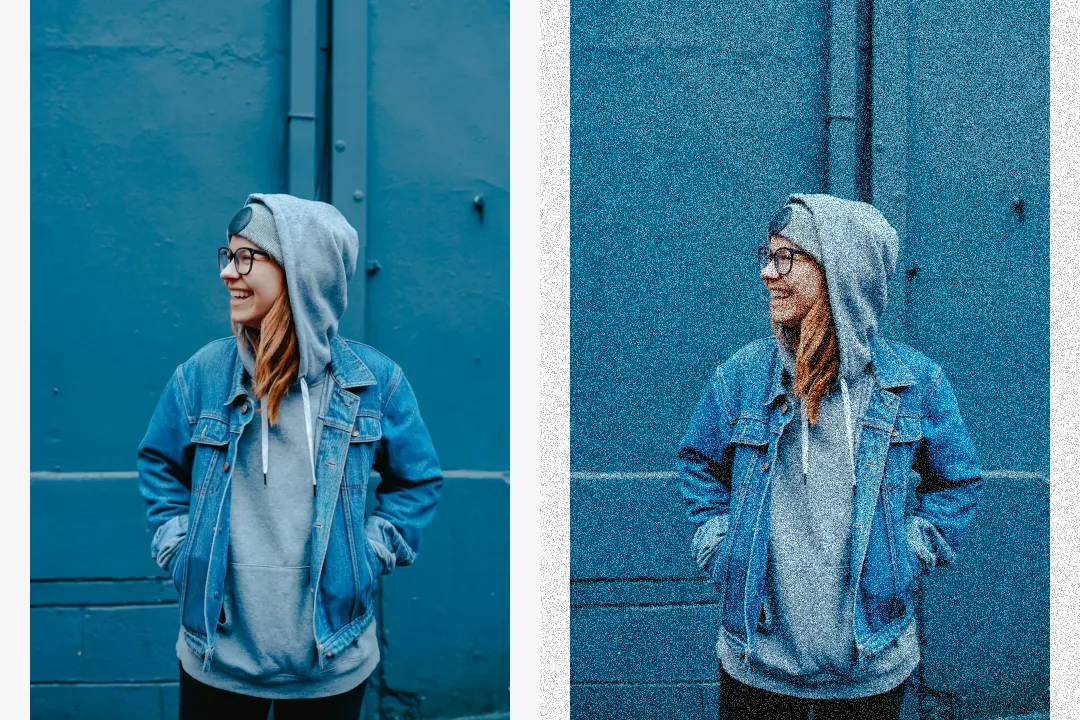
Control noise strength, grain size, and noise type.
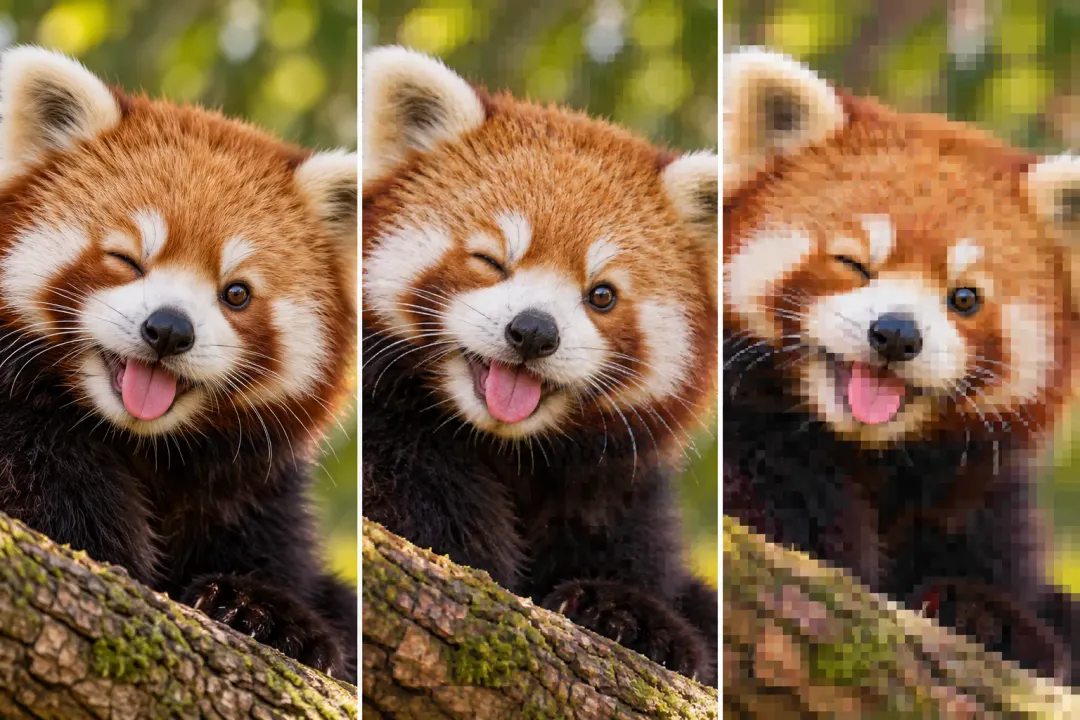
Add compression blocks, repeated saves, and color bleed.